
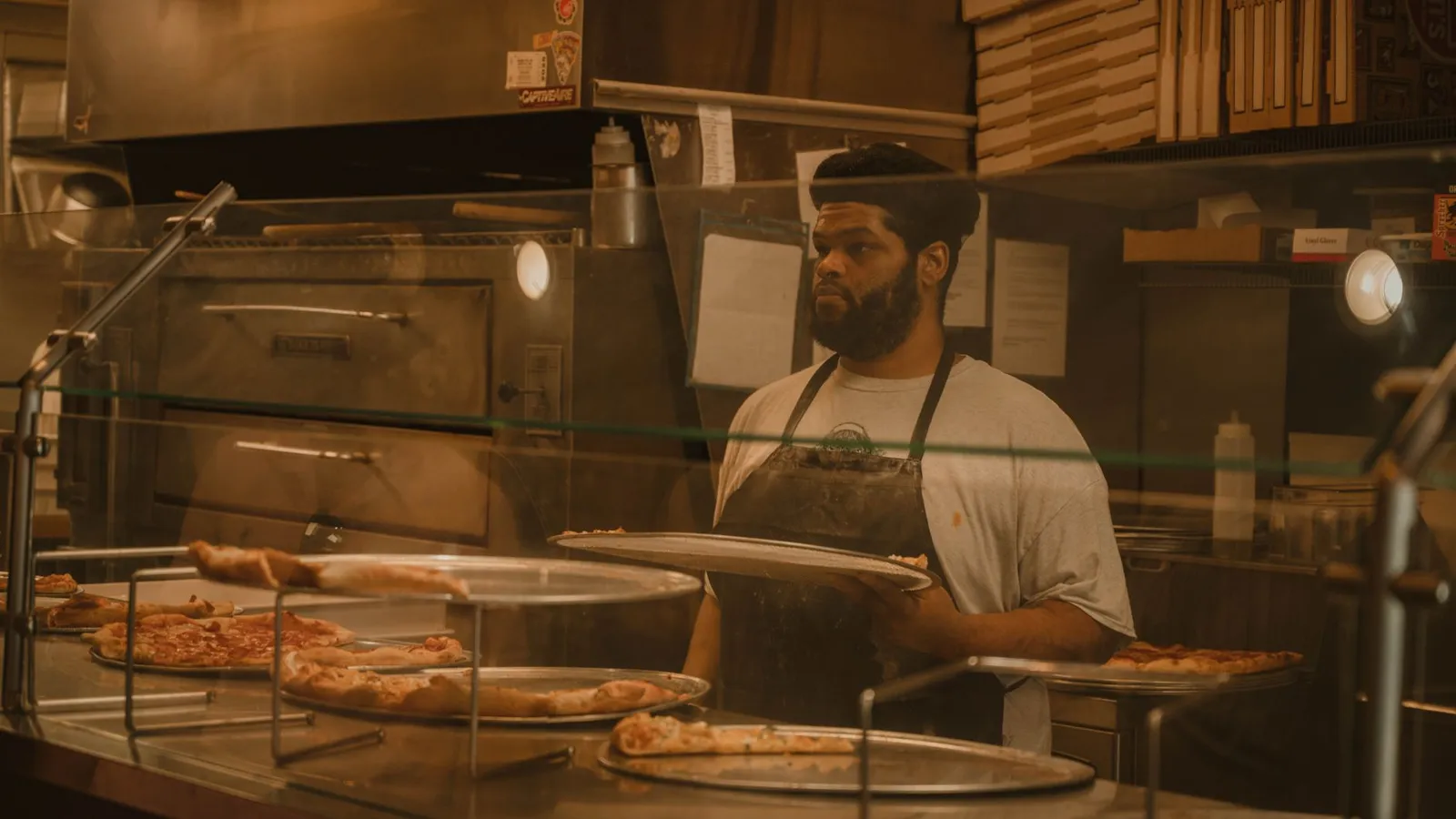
Pizza POS migration: what Sbarro's upgrade teaches
What happened
On October 14, 2026, NCR Voyix announced a multi-year Voyix Commerce Platform agreement with Sbarro. Sbarro will adopt Aloha Next point-of-sale and use Voyix Pay for payment acceptance across nearly 300 corporate-owned and franchise locations in the United States. According to the release, the goal is a unified technology environment for in-store and above-store operations, with centralized data management and more standardization, visibility and resiliency across the company.
Sbarro CEO David Karam said in the release: "Sustainable growth at Sbarro requires a technology platform that can keep up with the pace of our business while making it easier to operate consistently across our restaurant network." The release, also quoted in Pizza Marketplace's coverage, has him adding that "with Aloha Next, we're building on a long-standing partnership with NCR Voyix to simplify our technology environment." Digital Transactions reports that Sbarro operates more than 800 stores in 27 countries (Sbarro's own boilerplate in the release says it is present in more than 30 countries), that Aloha Next launched about a year before the announcement, and that Voyix Pay links directly with NCR Aloha and accepts cards and digital wallets. No rollout schedule has been published.
Why it matters if you run one to five pizzerias
Most pizzerias are not signing multi-year enterprise contracts. The useful lesson here is the shape of the project. Sbarro is upgrading its register software and standardizing payment acceptance on the same vendor's platform, and it is describing the outcome in terms of standardization and central data, not new screens. A small operator who switches POS takes on the same three jobs, with fewer people to do them:
- Menu rebuild. Every size, crust, topping and placement has to be re-entered and priced correctly.
- Kitchen routing. Every item has to reach the right station (make line, oven, fryer, expo) in the right order.
- Payments cutover. Card readers, tips, refunds and settlement all move at once if the POS and processor are bundled.
Pizza makes each of these harder than it is for a burger counter. The rest of this article is a cutover plan built around those three jobs.
Step 1: count your modifier matrix before you count features
A pizza menu is a matrix, not a list. Before any demo, write down how many priced combinations your new system has to represent. Here is an example with made-up but typical numbers:
- 4 sizes (small, medium, large, extra large)
- 30 toppings
- 3 placements per topping (left half, right half, whole)
- 2 portions (regular, extra)
If topping prices change by size, that is 4 × 30 = 120 base topping prices. Add placement and portion and the system has to resolve 4 × 30 × 3 × 2 = 720 topping states. The rule for half toppings matters as much as the count. If half a topping costs half the whole price, the system needs to apply that rule on its own. If you have to type in 720 numbers by hand, expect typos, and expect them to turn up as wrong tickets on a Friday.
What to check in the new system:
- Can topping prices be set once per size, with placement and portion handled by rules?
- Does a half-and-half pizza print and display as two clear halves, not as a list of toppings with "1/2" tags scattered through it?
- Can specialty pizzas be built from the same topping table, so removing an item from a specialty applies the correct credit?
- Can you import the menu from a spreadsheet, or does every item have to be keyed in?
If the answer to the last question is "keyed in," budget the hours honestly. At one minute per price (a generous pace with checking), 120 base prices is two hours on its own; add specialty pizzas, sides and drinks and it can easily take most of a day before testing even starts.
Step 2: replay a real night through the kitchen display
Routing problems rarely show up in a demo, because demos use five tidy orders. They show up during a rush, when a ticket with wings, a calzone and two half-and-half larges has to split across stations and come back together at expo.
A simple test you can run before go-live:
- Export or print your 50 busiest-hour tickets from a recent Friday from the current system.
- Enter them into the new POS in training or test mode, in the original order.
- Watch each kitchen screen and printer. For every ticket, note whether each item reached the correct station, whether the half-and-half layout was readable, and whether expo showed the order as complete only when every station had finished.
- Count the failures. Any routing error rate above zero needs fixing before go-live, because the real rush will add speed and noise.
Pay special attention to items that touch two stations, such as a pizza with a side of wings, or a calzone that needs a cup of sauce from the cold line. Those are the tickets that get split badly.
Step 3: decide whether payments move with the POS
Sbarro's agreement puts POS and payments with one vendor. Bundling can simplify support and reconciliation. It also means one cutover weekend carries two kinds of risk. Use a decision table rather than a sales pitch:
| Your situation | Lean toward | Why |
|---|---|---|
| Current processor contract has an early-termination fee or equipment lease | Keep the processor for now, if the new POS supports it | Avoids paying to exit while you are also paying to switch |
| You reconcile card deposits by hand and it takes hours each week | Bundled POS and payments | Sales and settlement data come from one source |
| Heavy delivery volume with driver tips and cash-outs | Test tip adjustments and driver reports before choosing | Tip handling is where payment and POS changes most often collide |
| Multiple locations, different owners or franchisees | Standardize the POS first, then payments | Central menu and reporting are useful even if processors differ for a while |
Whatever you choose, read the processor agreement for the term length and the exit terms before signing. This article is about the operational cutover.
Step 4: plan the cutover day around your slowest window
A pizzeria cannot close for a week to switch systems. A practical sequence:
- Two weeks out: menu built and checked against current prices; staff accounts created; test cards run end to end, including a refund and a tip adjustment.
- One week out: run the Friday replay test above; train staff in training mode during slow afternoons.
- Go-live: pick your slowest weekday, not a Monday after a holiday weekend and not the week of a big local event. Keep the old system available but read-only for lookups.
- First weekend: have the person who built the menu on site, not on call. Keep a paper log of every ticket that prints wrong.
- First month: compare daily sales, card deposits and tip totals against the same weeks last year, and fix variances while staff still remember the shifts.
Step 5: ask about the outage plan
The Sbarro release lists resiliency as one of the goals. For a single shop, resiliency is a plain question: what happens when the internet drops at 6:30 on a Saturday? Ask each vendor to show, not describe, how the register keeps taking orders, how tickets still reach the kitchen, and how card payments are handled until the connection comes back. KwickPOS, for example, describes its system as a cloud and offline hybrid with an offline mode. Whichever vendor you choose, test that mode yourself by unplugging the router during training.
The short checklist
- Count your modifier matrix and confirm half-topping pricing works by rule.
- Replay 50 real rush tickets through the new kitchen display before go-live.
- Decide on payments with a decision table, after reading your current contract.
- Go live on your slowest weekday with the menu builder on site.
- Test offline behavior by unplugging the router, not by reading a brochure.
Sbarro has a multi-year agreement and hundreds of stores to roll out across. A single pizzeria gets one cutover, so the testing has to happen before the first Friday on the new system.
Frequently asked questions
What did Sbarro announce about its POS?
According to an October 14, 2026 NCR Voyix release, Sbarro signed a multi-year agreement to adopt Aloha Next point-of-sale and Voyix Pay payment acceptance across nearly 300 corporate-owned and franchise U.S. locations. No rollout schedule was published.
How long does it take to rebuild a pizza menu in a new POS?
It depends on your modifier matrix. Count sizes, toppings, placements and portions first. Four sizes and 30 toppings with size-based pricing is already 120 base prices. Systems that handle half toppings and extra portions by rule cut the entry work a lot compared with typing in every price.
Should I switch POS and payment processor at the same time?
Not always. Bundling can simplify reconciliation, but it puts two changes into one cutover. If your current processor contract has exit fees or leased equipment, keeping it for a while, if the new POS supports it, can be the lower-risk path.
How do I test kitchen display routing before going live?
Re-enter about 50 tickets from a recent busy Friday hour into the new system in training mode and check every station screen. Look closely at half-and-half pizzas and orders that touch more than one station, such as pizza with wings.
What is the best day to switch a pizzeria POS?
Your slowest weekday, with the person who built the menu on site and the old system still available for lookups. Avoid busy weekends, holidays and local event days.
Sources
- Sbarro Expands Partnership with NCR Voyix to Modernize Restaurant Operations and Streamline Payments (Business Wire release, republished), NCR Voyix via Business Wire (Finviz republication), 2026-10-14
- Sbarro to roll out NCR Voyix POS and payment tech, Pizza Marketplace, 2026-10-15
- NCR Voyix Signs Sbarro; Clover Hits 5 Million Shipments, Digital Transactions, 2026-10-14
- KwickPOS home page (cloud + offline hybrid, offline mode, kitchen display), KwickPOS
Checked November 3, 2026. Photo: Quang Vuong / Pexels.
Ready for your next rush?
KwickOS connects POS, kiosks, online ordering and reporting, while KwickPhone can handle phone overflow with AI. Want a standalone POS path? KwickPOS pairs cloud management with offline-capable restaurant POS.