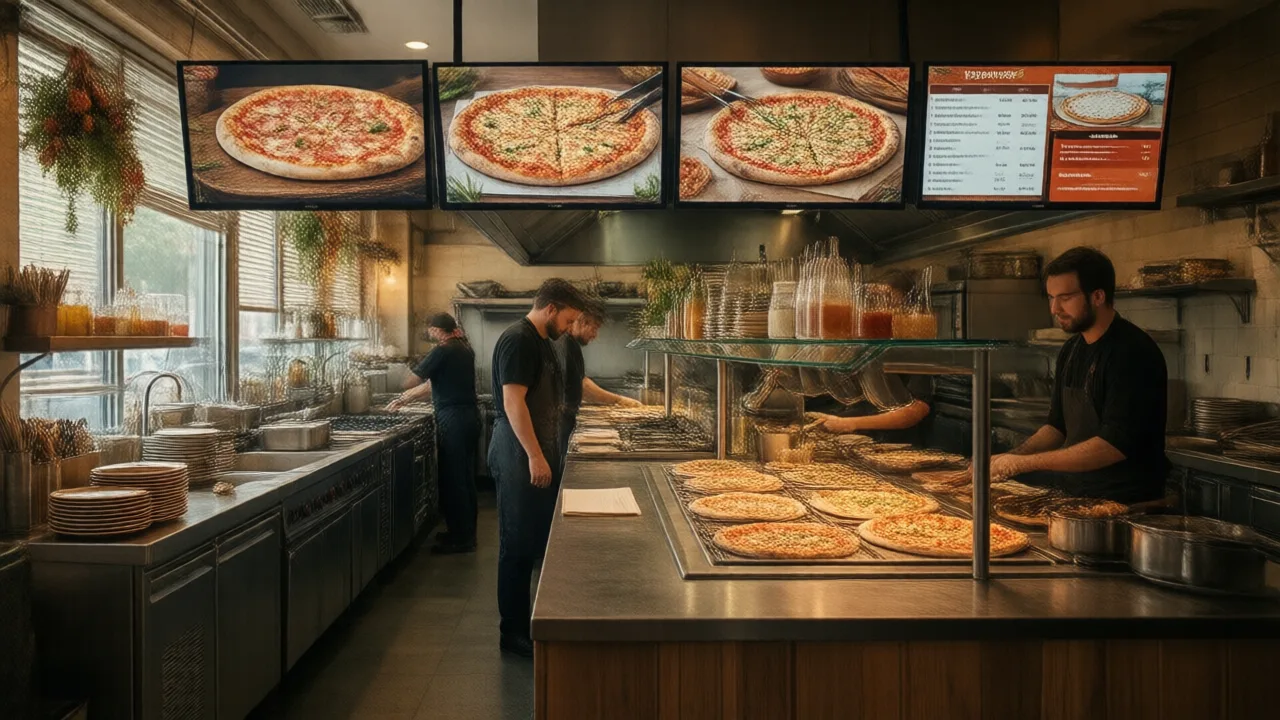
Halftime Order Spike Engineering for Pizza POS and Kitchen Displays
Match-night demand is not just higher. It is compressed. Orders arrive before kickoff, then again at halftime, then again when the match ends. A pizza POS built only for average load will look fine all afternoon and then fail during the fifteen minutes that matter most.
Compression, not volume, is the real problem
A pizzeria can often handle a busy night if orders arrive in a smooth curve. Halftime creates a wall. The phone rings, online orders stack up, walk-ins ask for slices, delivery drivers need assignments, and the oven is already committed to tickets fired before the rush.
The technical goal is to convert that wall into a sequence. The POS, online ordering page, kitchen display, oven queue, and dispatch screen all need the same pacing model. If each channel accepts unlimited demand independently, the kitchen receives a pile of tickets with impossible promise times.
Start with oven capacity
The oven is the hard constraint in a pizza shop. Register speed, phone speed, and online ordering volume do not matter if the oven cannot physically bake the tickets in the promised window. Build the rush plan backward from oven capacity:
- How many large pizzas can the oven complete per load?
- How long does each load take from launch to box?
- How many specialty pizzas slow the line because they require extra toppings or finishing steps?
- How many slices, wings, salads, and side items compete for staff during the same window?
Once the oven ceiling is known, the POS can throttle pickup times instead of accepting more tickets than the kitchen can produce. This is where a pizza-specific system differs from a generic restaurant POS. The system has to understand make time, bake time, cut time, and delivery handoff, not just payment status.
Use pickup windows as a control surface
Order-ahead windows are the cleanest way to flatten a halftime spike. Instead of letting every guest choose "as soon as possible," publish pickup windows in small blocks and close a block once the oven queue reaches its limit. The customer still feels in control, but the kitchen sees a paced schedule.
A practical setup is to open windows before the rush, widen them during halftime, and keep a small reserve for phone orders from regular customers who will not use the website. If delivery is also active, do not allow every delivery ticket to promise the same departure time. Pickup, dine-in, and delivery each need their own throttle.
Sequence the kitchen display by station
A halftime KDS should not be a simple chronological list. It should show work by station: dough/stretch, sauce/cheese, toppings, oven, cut/box, expo, and driver handoff. A ticket with two simple cheese pizzas should not block a large specialty order that needs more topping labor but can enter the oven later.
The KDS should also expose late risk before the guest calls. If a ticket is not yet in the oven and the promised pickup time is approaching, the screen should flag it. If the oven queue is full, new orders should receive a later promise time automatically. Staff should not have to calculate this under pressure.
Batch delivery by zone, not by ticket time alone
Delivery compression is different from kitchen compression. A driver leaving with one order while three more orders for the same neighborhood are almost ready wastes the route. But waiting too long cools the first order and invites complaints. The dispatch screen needs zone grouping, ready-time visibility, and a rule for when to hold or release a driver.
The best batching rule depends on your geography. Dense urban shops may batch within a short radius. Suburban shops may batch by neighborhood or arterial road. Campus and stadium areas may need a no-car pickup zone, bike delivery zone, or walk-up shelf. Put those rules in the POS instead of relying on a shift lead's memory.
Protect the phone from becoming the bottleneck
The phone is still a major pizza ordering channel, and major matches produce repetitive calls: "Are you open?", "Are you showing the game?", "How long for pickup?", "Can I still order for halftime?", "Can I change my delivery address?" If counter staff answer every call manually, the POS station slows and the kitchen loses context.
For busy windows, route calls into a script that can answer common questions, take standard orders, send an online ordering link, and escalate unusual requests. An AI phone assistant such as KwickPhone can be useful as overflow, but the important design rule is broader: the phone channel must share the same menu, pricing, modifiers, and promise-time logic as the POS.
Prepare a match-night menu subset
A full menu is not always the right menu for a compressed event. The most efficient match-night menu highlights items that are fast to make, easy to batch, and predictable in the oven. It may hide slow specialty builds, complicated half-and-half combinations, or discounts that create low-margin volume at the worst time.
This does not mean disappointing guests. It means presenting the right menu for the service model: large pies, family bundles, wings, salads, drinks, and a few premium add-ons that can be executed consistently. The POS should make the event menu active by time window so staff do not have to explain exceptions one order at a time.
Measure the spike after service
After the rush, compare promised time against actual ready time by channel. Break the data down by phone, online, walk-in, marketplace, pickup, and delivery. Then review voids, refunds, remakes, late deliveries, abandoned carts, and unanswered calls. That is how the next event gets easier.
The useful output is not a vague "we were busy." It is a concrete throttle plan: how many pickup slots to open, which menu items to hide, how many drivers to schedule, when to start dough staging, and where the KDS needs a rule change. A strong pizza POS should make those numbers visible without rebuilding the night from paper tickets.
Halftime spike checklist
- Set oven capacity per 15-minute window before publishing pickup slots.
- Throttle online ordering by kitchen capacity, not by payment acceptance.
- Separate phone, pickup, dine-in, delivery, and marketplace queues in reporting.
- Route KDS work by station so toppings, oven, and cut/box each see the right sequence.
- Batch delivery by zone while protecting food quality and promise times.
- Use an event menu for high-speed items and temporarily hide slow or low-margin builds.
- Give the phone channel the same menu, modifiers, and promise-time logic as online ordering.
- Review late orders, refunds, remakes, abandoned carts, and missed calls after the event.
Ready before the next kickoff?
KwickOS connects POS, kiosks, online ordering and reporting, while KwickPhone can handle phone overflow with AI. Want a standalone POS path? KwickPOS pairs cloud management with offline-capable restaurant POS.